AI Product Descriptions for Shopify: A Practical SEO Workflow
Create accurate AI product descriptions for Shopify with a practical workflow for verified facts, natural keywords, useful structure, and human review.
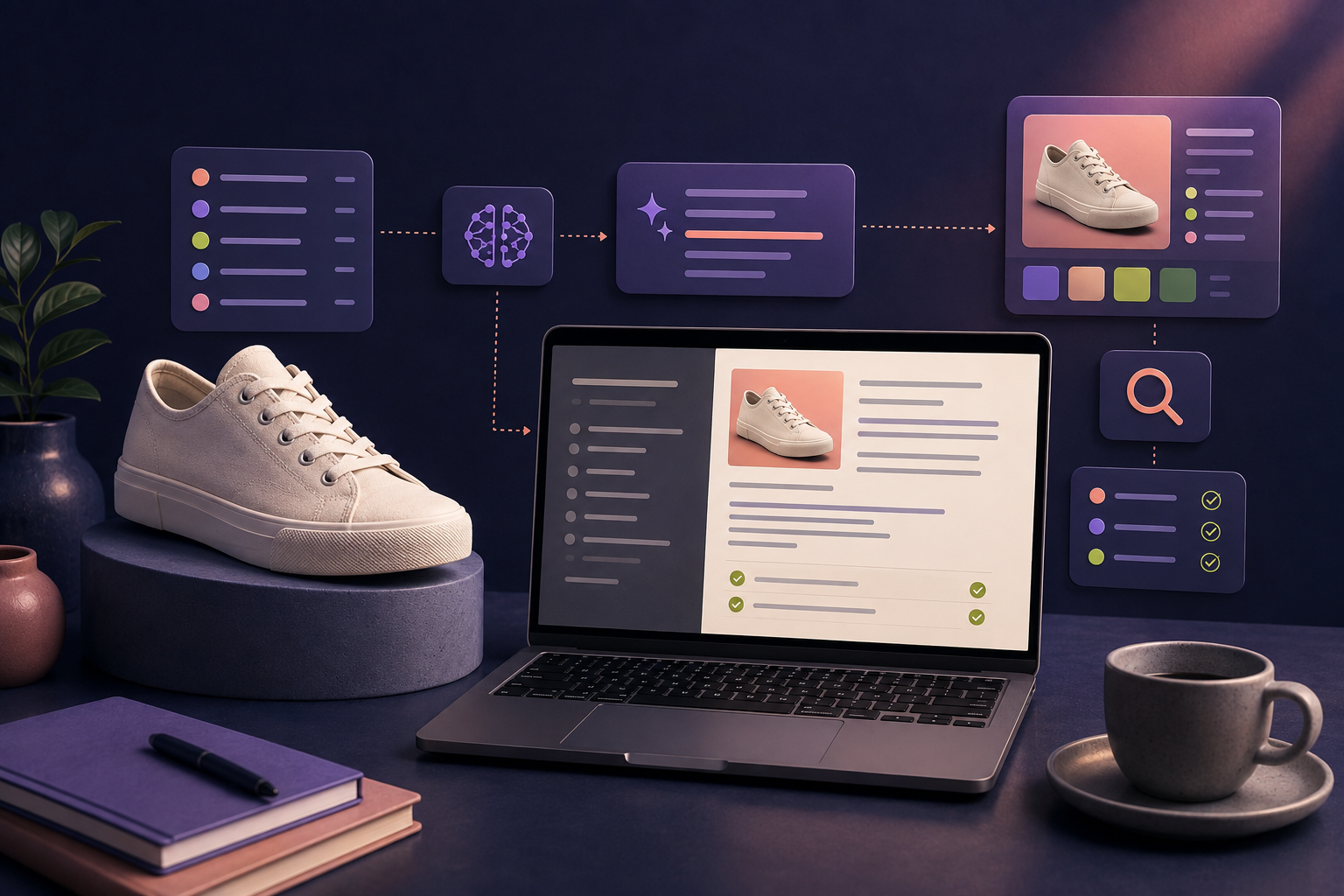
AI product descriptions for Shopify can reduce drafting time, but speed is only useful when the resulting page remains accurate, specific, and easy to buy from. A polished paragraph cannot compensate for an invented material, a missing size detail, or copy that sounds identical to every competing store.
The best workflow uses AI as a product-content editor. Your catalog remains the source of truth; AI helps organize verified facts into clearer titles, descriptions, and storefront highlights; a person reviews the final changes before they reach customers.
This guide explains that workflow, including keyword selection, page structure, prompt design, review checks, and the additional rules to consider if AI-generated product data is submitted to Google Merchant Center.
What an AI product description should actually do
A product description has several jobs at once:
- Confirm that the shopper has found the right product
- Explain the product's most relevant benefits
- Provide the facts needed to compare or choose a variant
- Answer objections that might delay a purchase
- Help search systems understand the page naturally
- Stay consistent with images, structured data, product feeds, and store policies
An AI product description generator for Shopify should help with structure and language, not decide what is true. That boundary prevents the most damaging failure mode: confident copy based on assumptions rather than catalog data.
Step 1: build a verified product fact sheet
Before prompting, collect the information that the final page is allowed to use. Depending on the product, this may include:
- Official product name and brand
- Category and intended use
- Materials, ingredients, dimensions, weight, or capacity
- Compatible devices, parts, or environments
- Available colors, sizes, and other variant details
- Care, setup, safety, or storage instructions
- Included and excluded items
- Verified performance details or certifications
- Approved warranty, delivery, and return information
Use empty fields honestly. If the material is unknown, do not ask AI to infer it from an image. If a result has not been tested, do not turn a general benefit into a measurable promise.
Step 2: choose keywords by shopper intent
Product description SEO begins with relevance. The primary keyword should normally describe what the item is, while secondary phrases can describe an attribute, audience, use case, material, or compatibility.
A practical keyword map for a product page includes:
- Category phrase: what the customer calls the product
- Attribute phrase: a verified quality such as material, fit, size, or style
- Use-case phrase: the situation or task the product supports
- Audience phrase: who the product is genuinely designed for
- Compatibility phrase: the model, system, or product it works with
For a waxed-canvas laptop sleeve, a sensible primary phrase may be “waxed canvas laptop sleeve.” Secondary phrases might describe the supported laptop size, closure, lining, or travel use—only when those details are correct.
Avoid forcing every phrase into the copy. Shopify's guide to ecommerce product page SEO emphasizes optimizing titles, descriptions, and images for the shopper and search visibility. Google's people-first content guidance similarly prioritizes useful, reliable information rather than pages created mainly to manipulate rankings.
Step 3: write a specific product title
A useful title identifies the item quickly and distinguishes its important variant. A common structure is:
Brand or collection + product type + defining attribute + key variant
Not every title needs every component. Keep the most useful details near the front, avoid promotional filler, and do not add information that belongs in pricing or campaign fields.
Google Merchant Center's product title guidance recommends specific, accurate titles, clear variant distinctions, professional language, and important product details near the beginning. Those principles are useful on the storefront even when you are not running Shopping ads.
Step 4: structure the description for scanning
Most visitors do not begin by reading every word. Give the description a visible hierarchy:
- Opening: identify the product and connect its main benefit to a real use case.
- Evidence: explain the feature or design detail that supports the benefit.
- Highlights: surface three or four decision-making facts in concise bullets.
- Practical details: include dimensions, materials, care, compatibility, or what is included.
- Next step: help the shopper choose a variant, review a guide, or add the item to the cart.
Put important information before brand atmosphere. A poetic introduction may fit the voice, but it should not hide the facts customers need to make a decision.
Step 5: give AI a controlled brief
“Write a great product description” leaves too much unspecified. A better prompt defines the source, audience, output fields, voice, search phrase, and hard boundaries.
Rewrite this Shopify product page using only the verified facts below. Audience: urban commuters carrying a 13-inch laptop. Primary search phrase: waxed canvas laptop sleeve. Tone: clear, warm, understated. Return a concise title, a two-paragraph description, and four storefront highlights. Preserve all measurements and compatibility details exactly. Do not invent waterproofing, certifications, warranty terms, availability, or customer quotes. If a detail is missing, omit it.
Add examples from your brand when voice matters. Also list words or claim types the brand avoids. The clearer the boundaries, the less cleanup the draft requires.
Step 6: edit the draft for people and search
Review the output in layers:
Accuracy
Compare every specification, measurement, material, feature, compatibility statement, and claim against the product record. Confirm that the title and description refer to the same variant shown in the images.
Specificity
Remove phrases that could describe almost any product, such as “premium quality” or “perfect for every occasion,” unless the surrounding text explains the real evidence. Replace vague praise with a concrete, verified detail.
Search intent
Make sure the primary phrase fits naturally in a prominent location and that related language reflects how a shopper compares the item. Do not repeat the keyword at the expense of readability.
Scanability
Shorten dense paragraphs, use informative highlights, and place critical size, care, and compatibility details where they can be found quickly on mobile.
Brand voice
Read the description aloud. Generic rhythm, excessive adjectives, repeated sentence patterns, and unnecessary exclamation marks are common signals that the draft needs a human edit.
A before-and-after product description example
Generic draft:
Upgrade your everyday routine with our premium laptop sleeve. Stylish, durable, and perfect for anyone on the go, it offers ultimate protection in a beautiful design.
More useful version, assuming each detail is verified:
Carry a 13-inch laptop in a waxed-canvas sleeve made for commutes and compact bags. A padded cotton lining cushions the device, while the brass zip keeps the profile clean and easy to pack.
Fits laptops up to the listed internal dimensions. Check your device measurements before choosing a size.
The second version does not simply sound better. It identifies the product, audience, material, size, construction, and a necessary buying check. Specific information does more work than unsupported superlatives.
Do not forget the rest of the product page
The description is one part of product-page quality. Review the page title, meta description, URL, image quality, alt text, variant labels, structured data, price, availability, shipping information, and related guides. Make sure visible storefront information agrees with connected feeds.
Google's guidance for optimizing product data stresses accurate, up-to-date information and consistency between submitted data and landing pages. A strong description cannot repair a price or availability mismatch.
Understand AI-generated product data rules
Storefront copy and Merchant Center product data are related but not identical systems. If generative AI text is submitted to Google Merchant Center, review Google's current requirements before syncing it.
Google's guidance on generative AI content says web content should focus on accuracy, quality, and relevance. It also points ecommerce teams to Merchant Center policies for labeling AI-generated product data. Current Merchant Center documentation uses structured title and structured description attributes to identify generative-AI text. Requirements can change, so verify them in the official documentation for the destination you use.
This is also why review-before-apply matters. Updating a Shopify page may affect storefront visitors, search engines, ad feeds, and connected sales channels.
Scale product copy without scaling mistakes
For a large catalog, process products in controlled batches instead of rewriting everything at once:
- Start with one category whose attributes are consistent.
- Define required fields and prohibited claims for that category.
- Test the prompt on five varied products.
- Review the drafts and update the instructions.
- Apply approved changes in a small batch.
- Check the storefront, connected feeds, and search presentation.
- Track conversion, search queries, returns, and support questions.
Keep the original values or a change history. If performance or accuracy declines, you should be able to understand what changed and reverse the affected fields.
How FeedX supports the workflow
FeedX AI Product Studio starts from product data already in your connected Shopify catalog. You can choose the writing direction, request the fields you need, edit the suggested title, description, and storefront highlights, and review the draft before applying changes.
That keeps the useful division of labor intact: the catalog supplies the facts, AI prepares a clearer draft, and the merchant decides what becomes live. Explore the FeedX AI content workspace or follow the FeedX getting started guide.
Common questions about AI product descriptions
Can I use AI-generated descriptions on Shopify?
AI can assist with Shopify product copy, but you remain responsible for accuracy, claims, rights, and compliance. Review the text before applying it and check any separate requirements for feeds or advertising destinations.
Will AI product descriptions improve SEO?
AI does not create rankings automatically. It can help organize relevant, specific information efficiently. Search performance still depends on the usefulness and uniqueness of the page, technical setup, competition, authority, and the overall shopping experience.
How long should a Shopify product description be?
Use enough detail to answer the purchase decision without padding the page. A simple item may need a short description and a few facts; a technical or high-consideration product may need specifications, compatibility, setup, comparisons, and FAQs.
Should every product use the same template?
Use a consistent information hierarchy within a category, but let the content reflect the product. Identical sentence patterns across hundreds of pages can make the catalog feel generic and may hide important differences.
Use AI to make product knowledge clearer
The strongest AI product descriptions are grounded, not improvised. Start with verified facts, match keywords to genuine shopper intent, generate within explicit boundaries, and review every change in the context of the complete product page. That workflow saves time while protecting the trust your catalog needs to convert.